
Using AI for Meal Planning
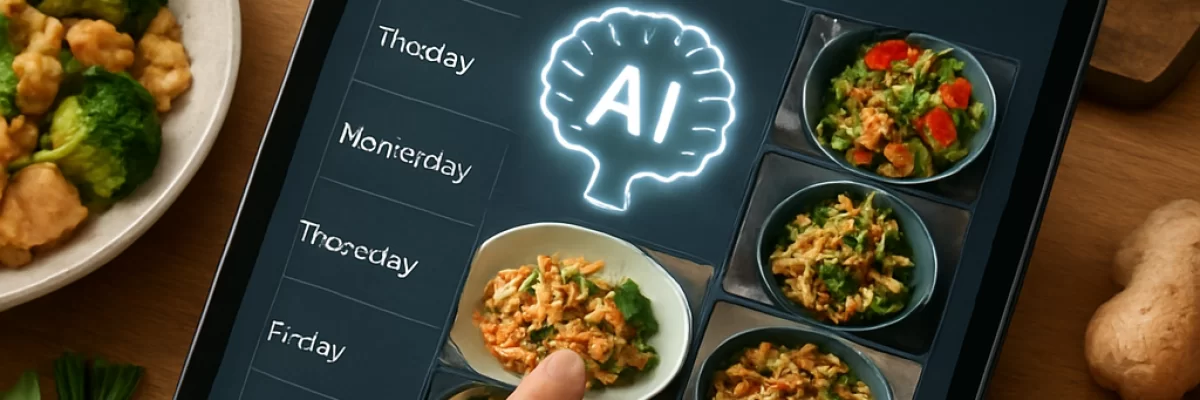
Where AI helps with meal planning
Meal planning is a useful task for a general-purpose AI assistant because much of the work involves brainstorming, organizing information, transforming one format into another, and handling repetitive details. You can ask for a weekly menu, a set of recipes based on ingredients you already have, or a shopping list grouped by store section.
AI can also help you compare options. For example, it can suggest several dinners that use the same vegetables, adapt a plan for busy evenings, or turn a list of planned meals into a calendar and preparation checklist. The result is a starting point to review, not an automatically correct dietary or medical plan.
What to provide before you start
The quality of a meal plan depends heavily on the information you give the assistant. Before asking for suggestions, gather the details that affect what your household can actually cook and eat.
- How many people you are feeding and how many days to plan for
- Food allergies, intolerances, religious restrictions, or ingredients to avoid
- Dietary preferences and foods people dislike
- Your approximate food budget
- How much time is available for cooking on different days
- Kitchen equipment, such as an oven, slow cooker, air fryer, or blender
- Ingredients already in the pantry, refrigerator, or freezer
- Whether you want leftovers for lunches or another dinner
- The output you want, such as a table, shopping list, preparation schedule, or recipe outline
Be specific about hard restrictions. “No peanuts” is different from “we do not usually eat nuts,” and an assistant should not be expected to infer that difference. If the plan relates to a diagnosed allergy or medical condition, describe the request as help organizing an existing professional recommendation rather than asking AI to create medical nutrition advice.
A practical way to use AI for a weekly plan
Start with the constraints
Ask the assistant to restate the important requirements before it proposes meals. This creates an opportunity to catch a misunderstanding early.
A useful request might be:
“Plan five dinners for two adults and one child. We have 30 minutes to cook on weeknights, want to keep the shopping list reasonably affordable, and already have rice, carrots, onions, canned tomatoes, and frozen peas. Avoid peanuts and shellfish. Include one vegetarian meal and plan enough leftovers for two lunches. First list your assumptions and any questions before suggesting the menu.”
Requesting assumptions and unresolved questions is particularly useful when the prompt leaves out important information. The assistant may ask whether a particular ingredient is acceptable, whether leftovers count as a separate meal, or what “affordable” means for your household.
Review the menu before requesting the shopping list
Do not ask for a shopping list immediately if the menu itself is still uncertain. First check whether the meals fit your schedule, equipment, preferences, and available ingredients. Replace dishes that take too long or use ingredients nobody wants.
Once the menu is acceptable, ask the assistant to produce a shopping list grouped into categories such as produce, refrigerated items, pantry goods, and frozen foods. Ask it to separate ingredients already on hand from items you need to buy.
Turn the plan into preparation tasks
You can then ask for a short preparation plan. This might include washing and chopping vegetables, cooking a component in advance, defrosting food safely, or identifying which leftovers should be reserved for lunch. Keep the request focused on organization rather than asking the assistant to make safety-sensitive decisions it cannot verify.
Prompt examples that produce better results
Small additions to a prompt can make the output more useful. Instead of asking only for “healthy dinners,” provide a definition that fits your household and request a clear format.
- Use what you have: “Suggest four dinners using these ingredients first: lentils, spinach, potatoes, eggs, and canned tomatoes. Identify anything essential that is missing.”
- Plan around time: “Create a seven-day dinner plan with meals under 20 minutes on Monday, Wednesday, and Friday. Allow more cooking time on the weekend.”
- Reduce waste: “Choose recipes that reuse overlapping ingredients without repeating the same meal. Mark which ingredients are likely to spoil first.”
- Format the result: “Return a table with the day, meal, estimated preparation time, ingredients to use, and planned leftovers, followed by a categorized shopping list.”
- Ask for alternatives: “For every meal containing dairy, suggest a replacement, but flag substitutions that may change the cooking method or texture.”
It is often better to work in short rounds than to request an enormous plan in one prompt. Generate a few options, choose the meals that fit, then ask for the shopping list and preparation schedule.
Use calculations carefully
AI can format quantities and perform simple arithmetic, but free-form generated text is not a dependable substitute for a calculator or spreadsheet. Check serving adjustments, package sizes, recipe scaling, and the total number of portions yourself.
For a larger household or a plan covering many recipes, copy the ingredients into a spreadsheet or another calculation tool. This makes it easier to combine duplicate ingredients, compare quantities with package sizes, and track what you already have. A database or code tool may also help when you are organizing a large recipe collection or repeatedly generating plans from a structured pantry inventory.
What to check before using the plan
Read the complete plan rather than assuming that a dietary label makes it suitable. Check ingredient lists and packaging yourself, especially for allergies, cross-contamination concerns, medical diets, or restrictions that depend on preparation details.
- Confirm that every meal avoids the stated allergens and restricted ingredients.
- Check packaged foods, sauces, stocks, and spice blends against their current labels.
- Verify that the quantities are plausible for the number of servings.
- Make sure the cooking time matches your schedule and equipment.
- Check that ingredients are available, fresh, and stored appropriately.
- Review substitutions because they may change nutrition, texture, allergens, or cooking behavior.
- Adjust the plan for household taste and appetite after trying it.
If the plan is for a medical condition, an allergy, or a prescribed diet, use AI only to organize information you already trust and follow guidance from an appropriate qualified professional. Do not rely on an assistant to invent a safe treatment diet or to interpret a product label that you have not checked.
Privacy and personal information
Meal planning usually does not require names, exact addresses, account credentials, or detailed medical identifiers. When possible, use general descriptions such as an age range, household size, dietary pattern, approximate budget, and cooking preferences.
If you use a third-party AI service, consider whether the information you enter is appropriate for that service. You can often describe the planning problem without including unnecessary personal details.
When AI is a poor fit
AI may not be the best tool when your plan depends on highly specific medical requirements, exact nutritional calculations, current product labeling, or local ingredient availability that the assistant cannot verify. It is also less useful when the main problem is not generating ideas but shopping, cooking, or deciding what your household will actually eat.
In those situations, a registered dietitian, clinician, trusted recipe source, spreadsheet, grocery list app, or simple paper plan may be more appropriate. AI is most helpful as an organizer and idea generator alongside those tools, not as the final authority on safety or health.